

Welcome to my DIY AI series, where we explore considerations and best practices for building small-scale home, educational, and small office AI systems. In this post, we’ll cover power considerations for building small AI workstations and servers for residential and small office lab environments.
TL;DR
- Ensure every part of the power chain (main supply, circuit, outlet, UPSs, and power supply units) is rated for full system load and transient spikes.
- Reducing CPU core count and memory modules may free up power for additional GPUs.
- GPUs can often be power-limited or undervolted with minimal performance loss.
- Power supplies should have headroom above peak system load—especially for modern GPUs with transient spikes.
- Consider ATX 3.0-compliant PSUs for newer GPUs with 12VHPWR connectors.
Main Power and Circuit Capacity
Verify the capability of your main supply, circuit breaker, and outlet. In the U.S., rooms or zones often share a single 120V/15A circuit, nominally capable of 1,800 watts. However, for continuous loads, it’s recommended to stay within 80% capacity—about 1,440 watts. A 20A circuit may support up to 2,400 watts nominally, with 1,920 watts recommended for continuous usage.
PSU Sizing and Component Load
Use a power supply calculator that accounts for every component in the system—CPU, motherboard, memory, GPUs, storage, fans, coolers, and peripherals.
Your PSU(s) should exceed the system’s maximum power draw and offer headroom for transient power spikes. High-end GPUs can exceed their rated draw during load ramps, potentially triggering shutdowns if the PSU is under-provisioned, even when average usage is within spec.
Power supplies operate most efficiently at around 50–70% load. Slight oversizing can improve long-term thermal performance and component lifespan.
For GPUs using 12VHPWR (e.g., RTX 4090), use an ATX 3.0-compliant power supply, which is designed to tolerate high transient loads—often up to 2× rated power for brief periods—and provides native support for modern connectors.
GPU Power Management
NVIDIA GPUs can be power-limited using nvidia-smi or vendor utilities. For example, a 350W RTX 3090 can be limited to 250W while retaining roughly 94% of its performance. Some GPUs can also be undervolted, depending on the model and OS, which can reduce power usage and thermal output even further.

Note: Undervolting requires stability testing under real workloads to avoid silent errors or instability.
CPU and Memory Considerations
Inference workloads are generally not CPU-bound, nor do they heavily depend on system memory once models are loaded into GPU VRAM. You may be able to reduce total system power by selecting a lower core count CPU and minimizing memory DIMMs. This can save 50–100W depending on the platform.
UPS and Backup Power
If you’re using an Uninterruptible Power Supply (UPS), ensure it can handle the system’s peak load including surge headroom. Many lower-end UPS units struggle with high inrush currents or rapid transitions to battery under load, which may cause shutdowns or drops.
Look for units with fast transfer times (<10ms) and surge-handling capacity suitable for systems with one or more GPUs.
Multi-PSU and External Power Supply Use
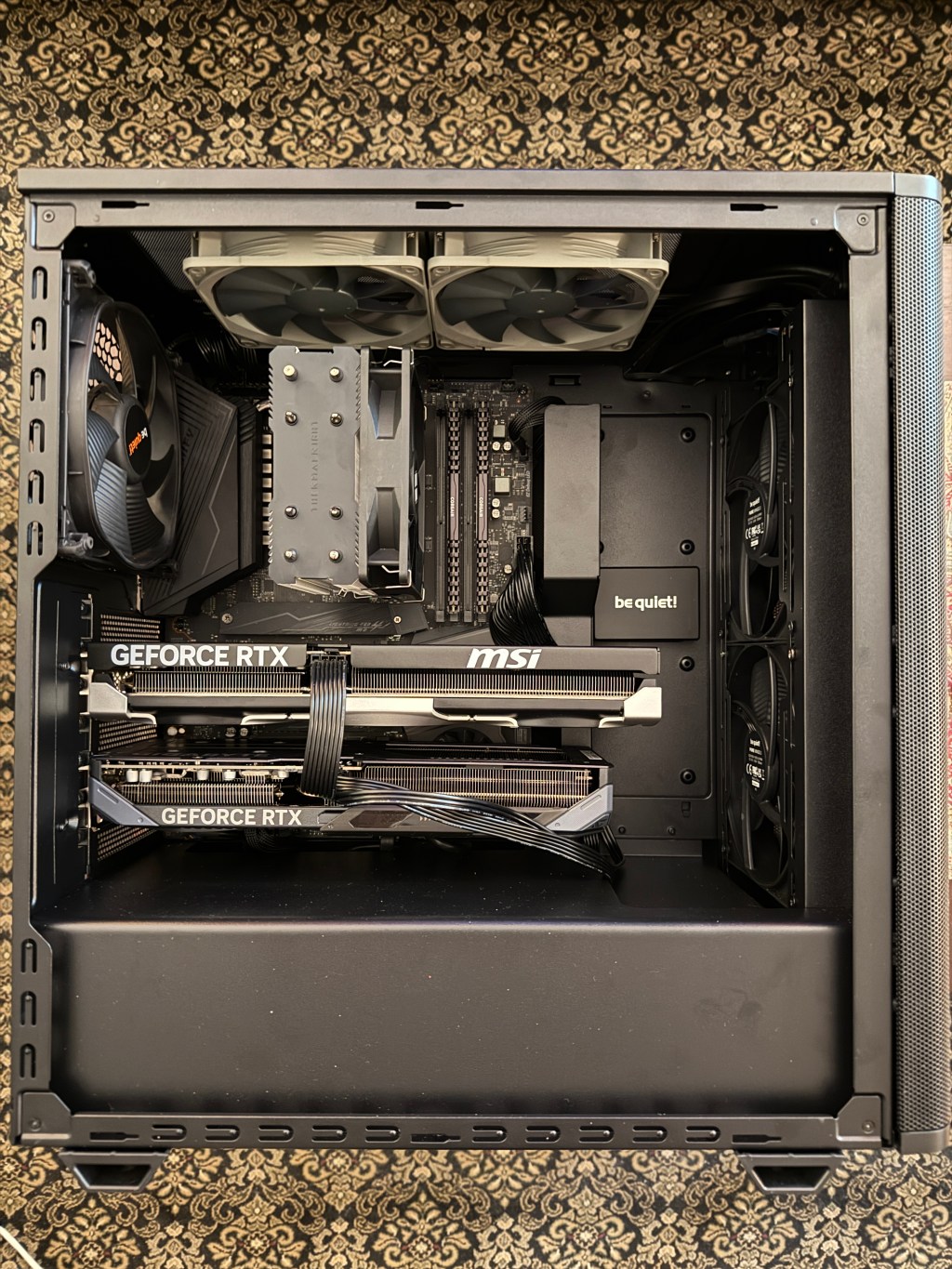
It is possible to use a secondary or external PSU to power GPUs installed in the same system. This setup is often used when one PSU cannot provide sufficient wattage or cable support. However, certain precautions must be followed:
- Grounding: Both PSUs must be grounded consistently to avoid differences in electrical potential, which could damage components.
- Power sequencing: A power-up mismatch between PSUs can lead to unstable behavior or component failure. Use a PSU sync cable or relay trigger to ensure synchronized startup and shutdown.
- Cable gauge: Ensure all GPU power cables are thick enough (typically 16AWG or lower) to handle expected currents safely.
- Avoid ground loops: Do not connect multiple PSUs to separate wall circuits without verifying equalized ground potential.
Final Thoughts
- Plan total system power holistically—from wall outlet to VRMs.
- Size PSUs based on both peak draw and transients.
- Use modern ATX 3.0 PSUs where applicable for GPU reliability.
- Don’t underestimate the electrical limitations of residential environments.
- Power optimization can reduce thermal load, improve stability, and extend component life.
Power planning is not just about wattage—it’s about stability, reliability, and safety.



 AightBits
Leave a comment